


Daytech Window Intercom Microphone with Speaker for Bank & Ticket Counters
RETURN AND REPLACEMENT POLICY
This policy is valid for the Philippines only.
At VMi Direct, we are committed to providing high-quality products and excellent customer service in accordance with the consumer protection standards set by the Department of Trade and Industry (DTI) and the Consumer Act of the Philippines (R.A. 7394).
✅ 1. 7-Day Replacement for Defective Products
If your purchased item has a manufacturing defect, you may return it for a replacement or exchange within 7 calendar days from the date of purchase.
This policy applies only to products that are found to be defective upon arrival or develop a verified manufacturing defect within the first 7 days of use.
⚠️ This policy does not cover “change of mind” returns, accidental damage, misuse, or normal wear and tear.
📄 2. Proof of Purchase Required
To qualify for a replacement, you must provide a valid proof of purchase, such as:
- Official receipt
- Sales invoice
- Order confirmation email
- Transaction record from our website
Without proof of purchase, we may not be able to process your replacement request.
📦 3. Condition of the Product
The item must be returned in original condition, which includes:
- Complete with original packaging and labels
- All accessories, manuals, cables, and freebies included
- No signs of physical damage, tampering, or improper use
- In a resalable (marketable) condition
Products that are damaged due to mishandling, modification, or incorrect installation will not be eligible for replacement.
❌ 4. Non-Covered Cases ("Change of Mind")
We do not accept returns or exchanges for:
- Change of mind
- Wrong color, size, or model selected
- Buyer’s remorse
- Products that are not defective
- Customer Misuse
- Improper Handling of the Customer
- Water Damages to Electronic Products
Please double-check your order before confirming your purchase.
🛠️ 5. Warranty & Service Center Guidelines
Some products (e.g., electronics, appliances, mobile devices) may come with a manufacturer’s warranty card that includes specific service terms.
In such cases:
- You may be directed to an authorized service center for inspection, repair, or replacement.
- The service center’s assessment will determine whether the issue is covered under warranty.
- VMi Direct will assist in coordinating the process and provide necessary documentation.
Please retain your warranty card and register your product (if required) as per the manufacturer’s instructions.
🏬 6. Store Discretion & Exceptions
While our policy follows DTI guidelines, VMi Direct reserves the right to:
- Approve or decline replacement requests based on verification
- Offer store credit or alternative solutions in special circumstances
- Update this policy with prior notice, in compliance with Philippine consumer laws
Any exceptions are at the sole discretion of VMi Direct and are not guaranteed.
📞 7. How to Request a Replacement
- Contact our Customer Support within 7 days of purchase:
- Email: support@vmidirectph.com
- Hotline: +63923-6039512 / +639764561295
2. Provide:
- Order number
- Proof of purchase
- Photos/videos showing the defect
- Description of the issue
3. Our team will assess your claim and guide you through the next steps—either a direct replacement or referral to a service center.

Dependable yung voice output, malinaw kahit may barrier.
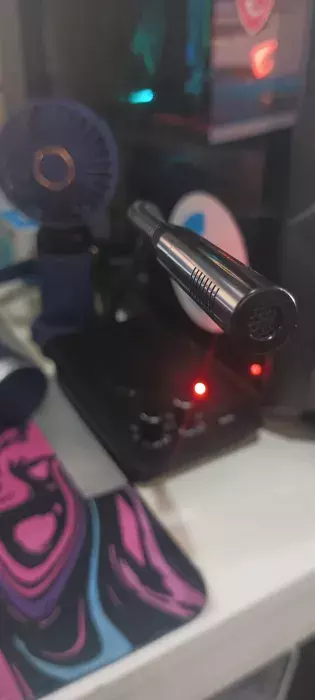
Maganda voice quality, parang natural lang.
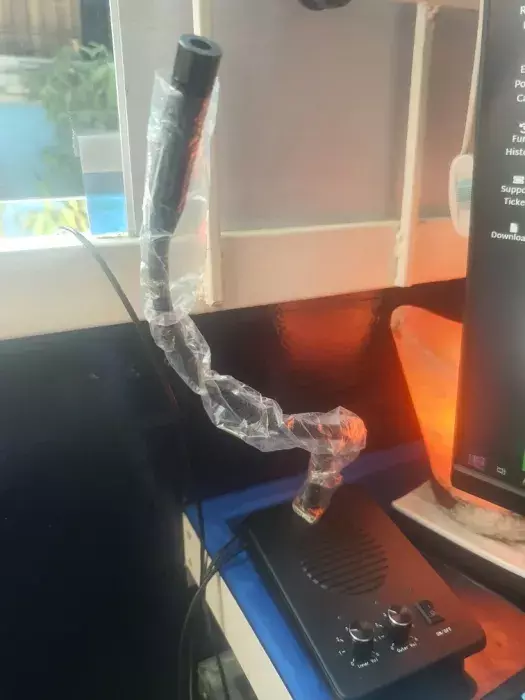
Consistent yung signal, hindi bumibitaw kahit ilang oras naka-on.
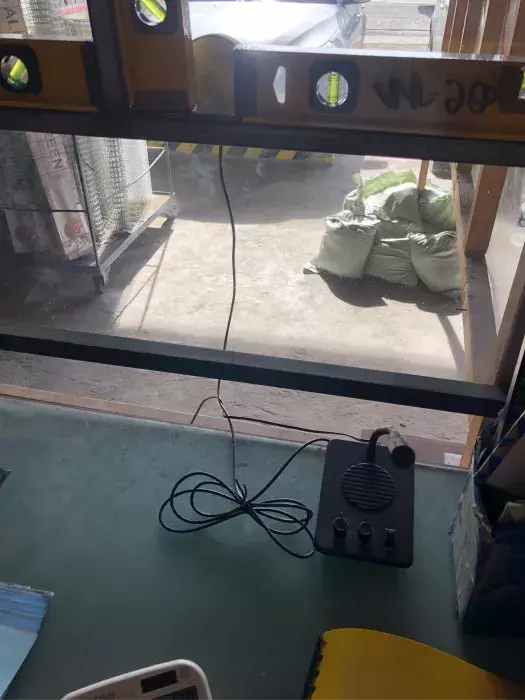
Noise-free talaga, hindi naririnig yung ingay sa background.
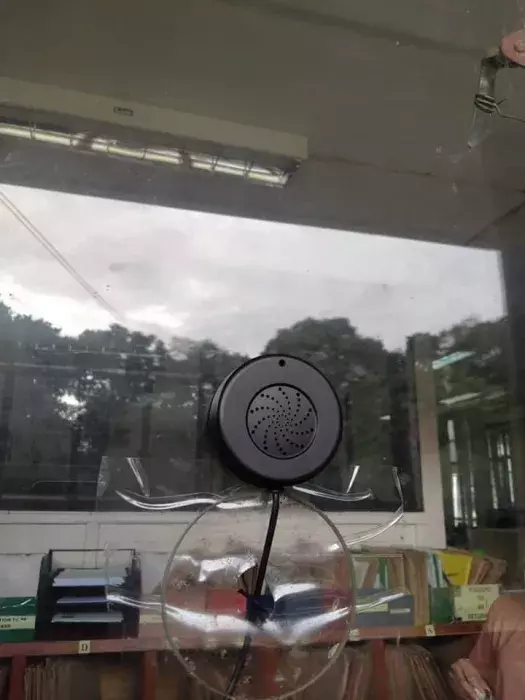
Stable yung mic, hindi naglalag.
Astig ang performance, laging malinaw ang boses.
Walang hassle gamitin, plug and play lang.
Top quality mic, hindi nakakadisappoint.
Noise blocked talaga, hindi ramdam background noise.
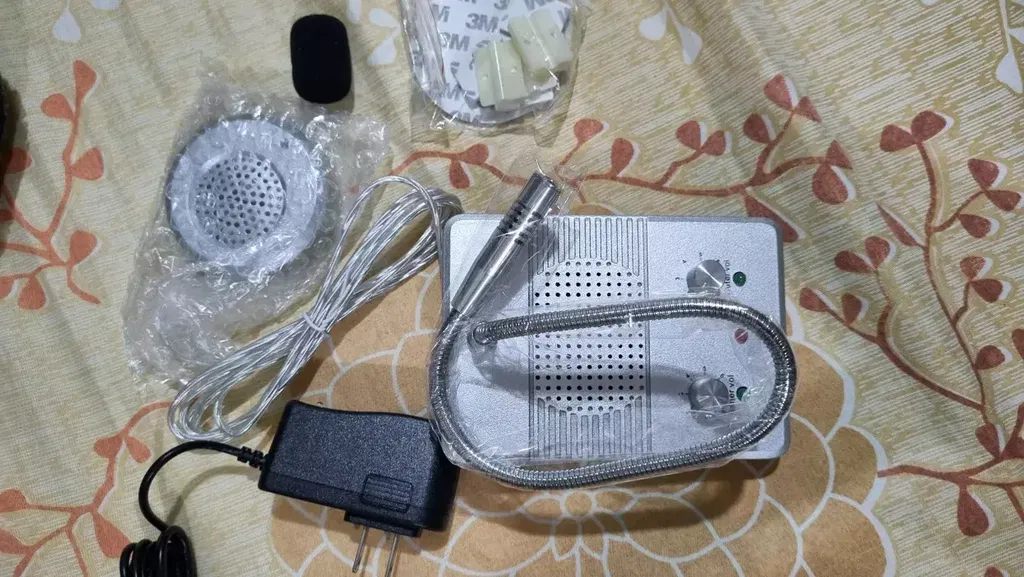
Ganda ng voice output, clear at hindi putol-putol.
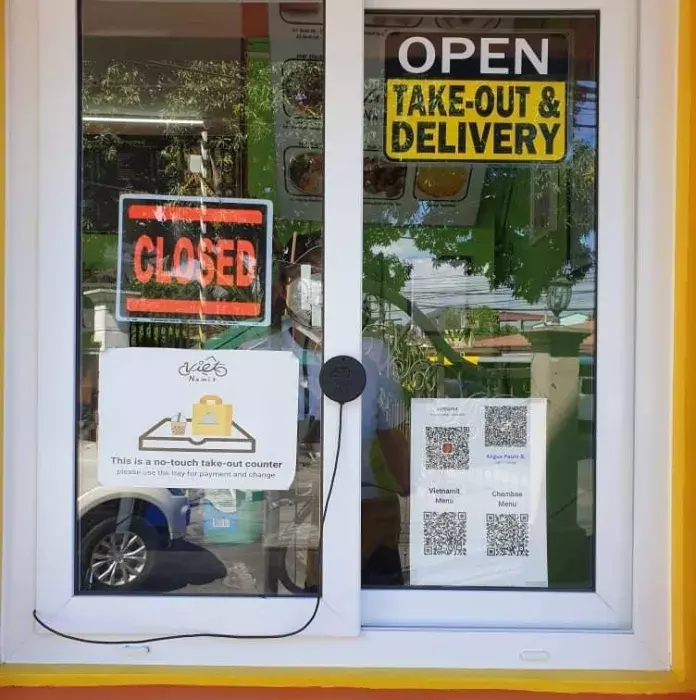
Matatag yung mic, solid ang build at tibay.
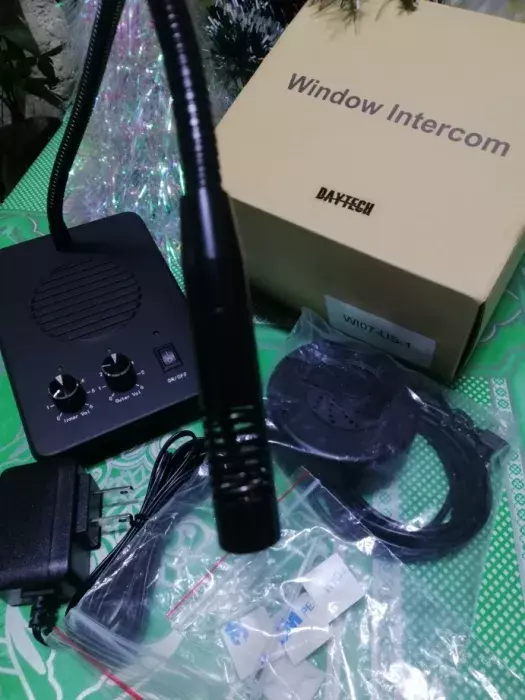
Walang istorbo sa tunog, sobrang linis pakinggan.
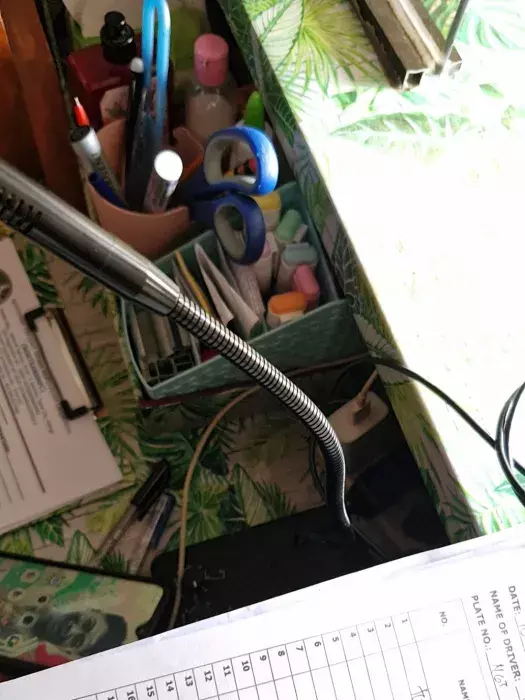
Walang feedback, smooth kausap ang customer.
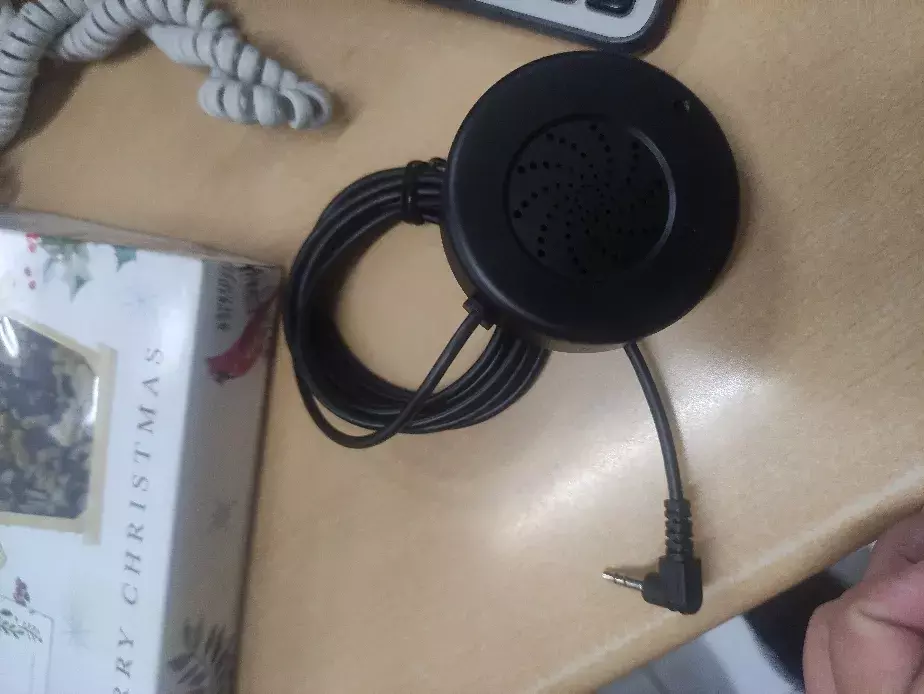
Reliable itong mic, walang sabit kahit whole day gamitin.
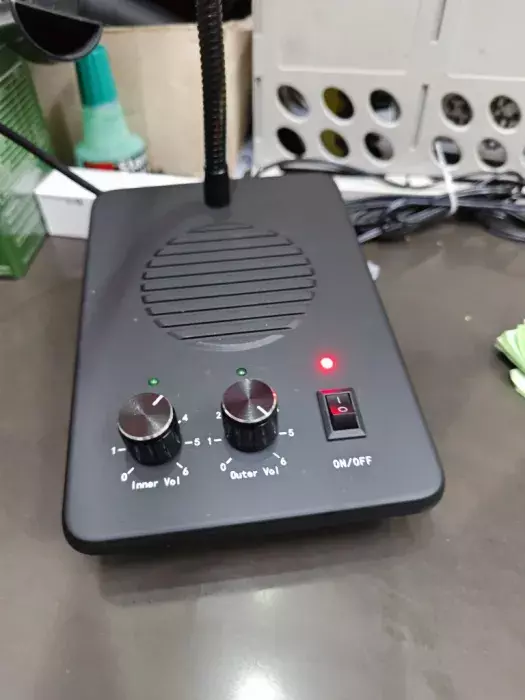
Superb clarity, parang wala kang harang.
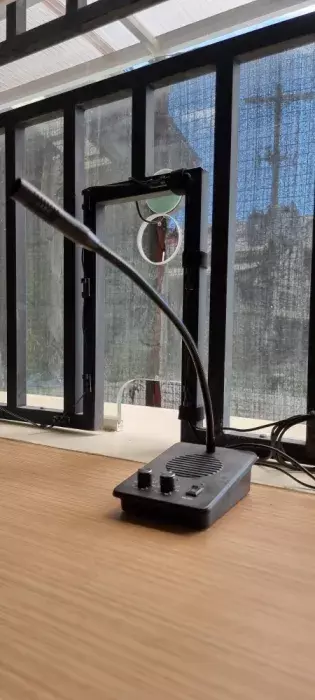
Sulit yung mic, hindi sayang ang bili.
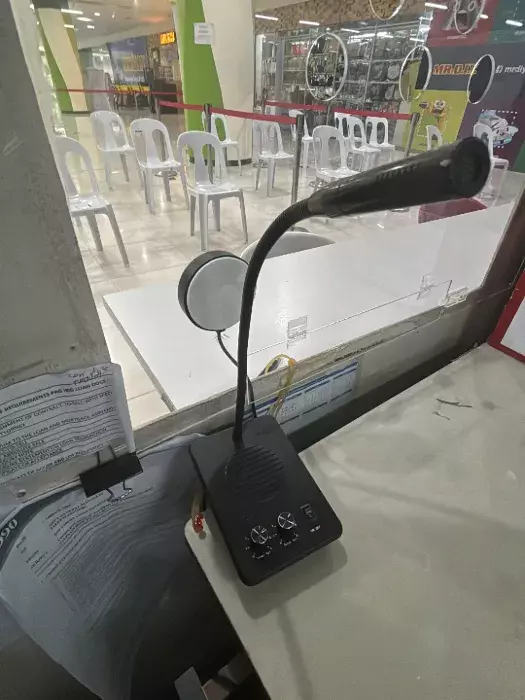
Crisp yung audio, walang putol.
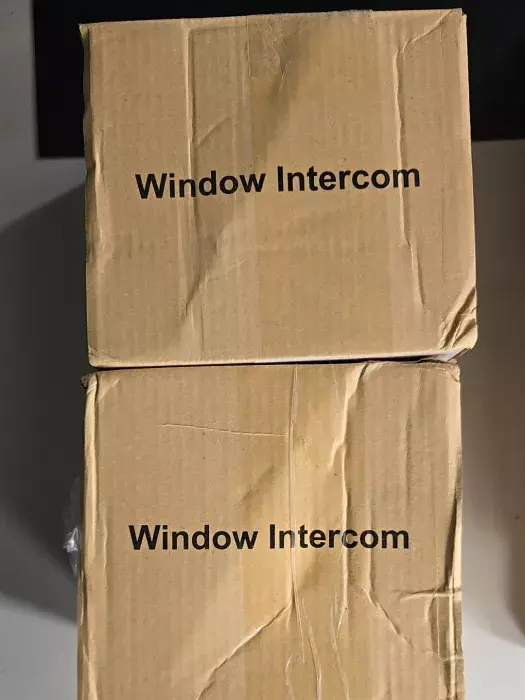
Ang linaw ng boses kahit may glass barrier, parang face-to-face kausap.
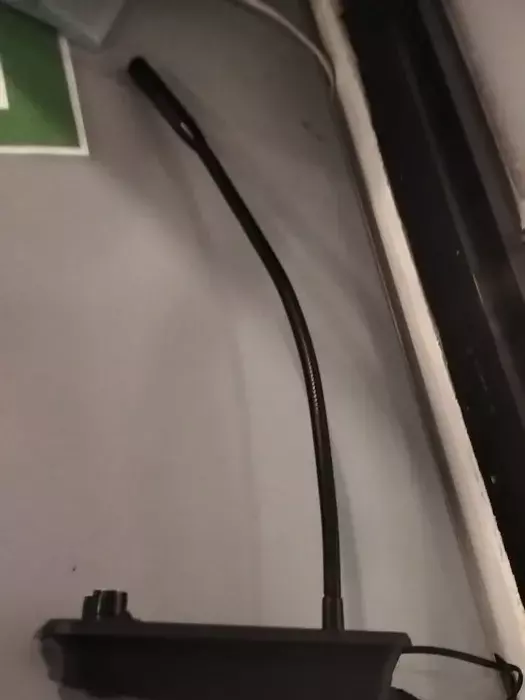
Walang static noise, smooth ang sound.
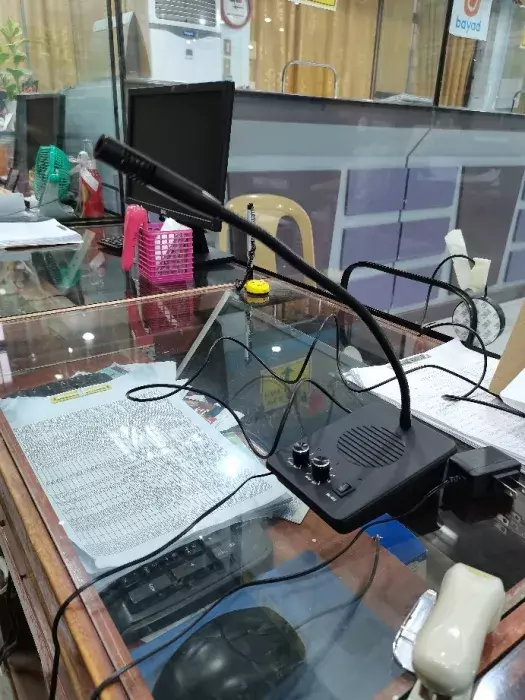
Swak na swak sa counter use, clear communication lagi.
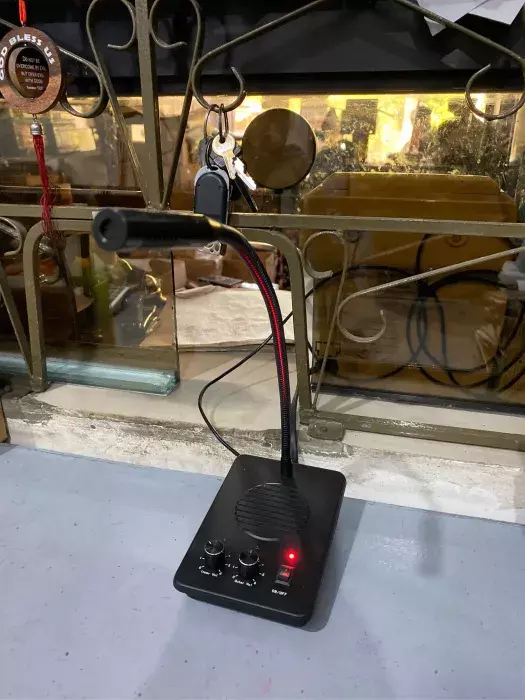
Swabe yung sound, hindi nakaka-irita sa tenga.
Astig yung clarity, hindi nagkakaproblema kahit maingay sa paligid.
Solid yung audio, clear kahit mahina boses.
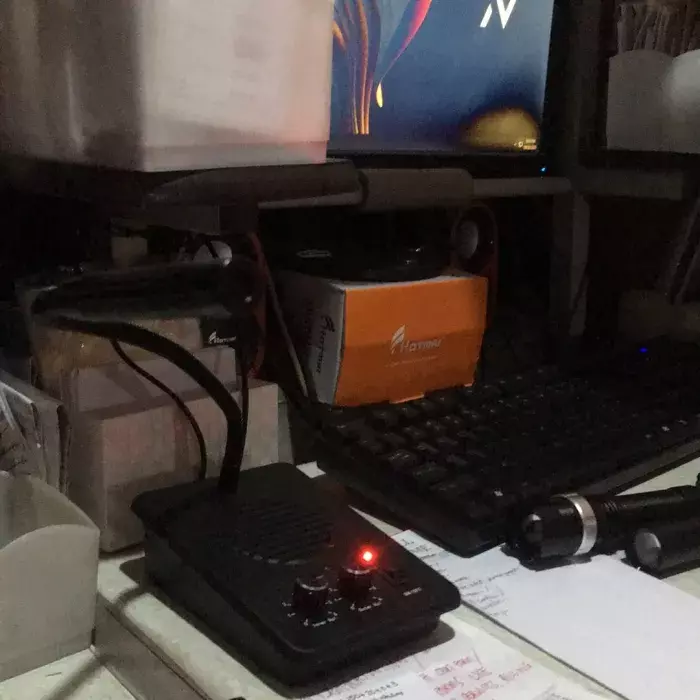
Malinaw yung signal, walang interference kahit tuloy-tuloy gamitin.
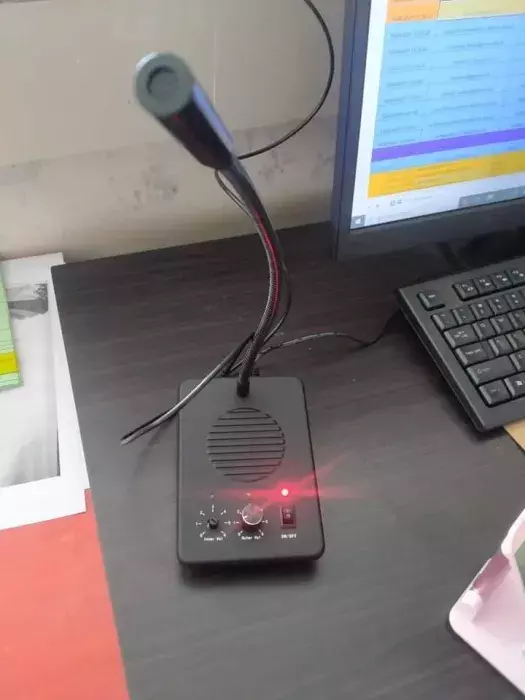
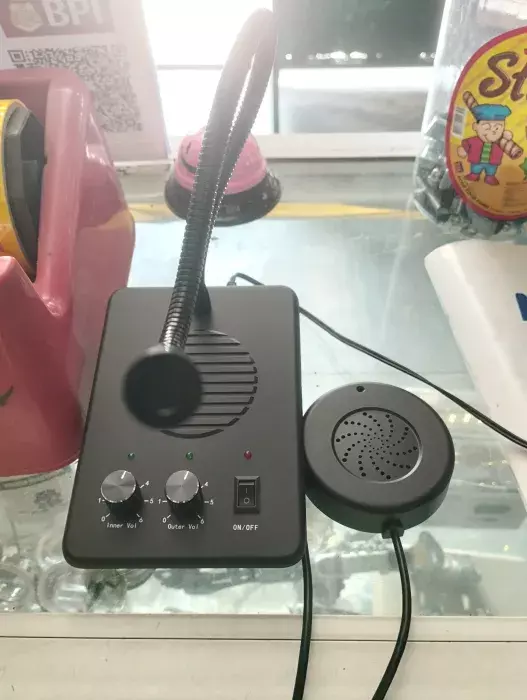
This window intercom (also called a window speaker intercom or counter intercom microphone) lets staff behind glass talk with customers clearly without raising their voice or opening the window. Daytech models WI07 to WI13, from ₱1,449.
Key features
- Automatic two-way intercom: speech signals are processed automatically during a conversation, with no button to press. Daytech documents these units as voice-switched: if both sides talk at once, one voice is suppressed so the other stays clear
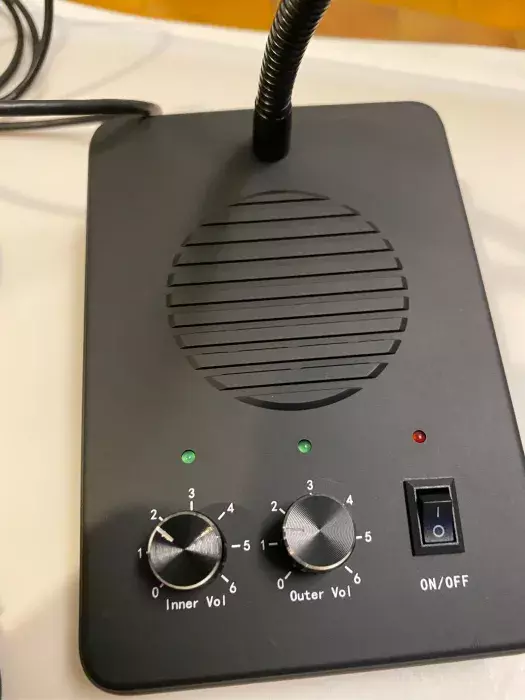
- Independent volume control: separate inner and outer volume knobs for the staff side and the customer side
- Anti-howling processing: anti-side-tone and squelch circuitry to suppress squeal and echo
- Flexible gooseneck microphone: bends and rotates 360° to reach the speaker at any angle
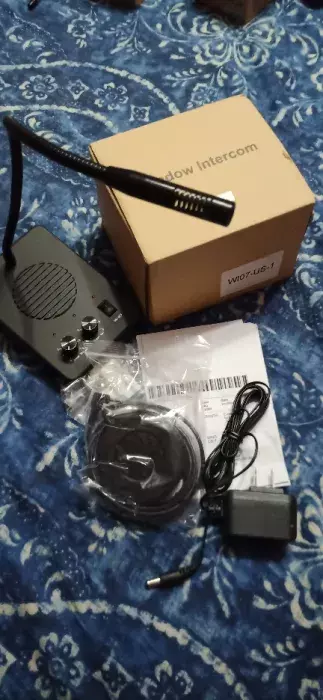
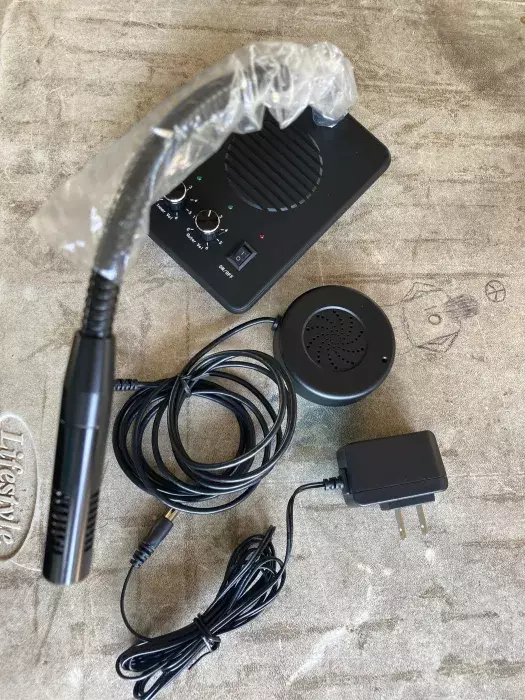
- Plug and play: connect the power adapter and outside speaker to the main unit; the outside speaker has a sticky backing for mounting on the glass
- Recording jack: connect external recording equipment to keep a record of conversations
Specifications
Specifications differ by model. Daytech publishes the following:
- WI07: DC12V power, 200mA max working current, 2W + 3W output, 45dB±2dB microphone sensitivity, 10Hz to 15kHz frequency response, main unit 138 × 98 × 45 mm, outside speaker φ72 mm
- WI09: 55dB±2dB audio sensitivity, 55 dB signal-to-noise ratio, 12V power, metal build, recording jack
- WI12: 42 dB microphone sensitivity, 5.12 × 3.94 × 5.91 inches, 450 g
- WI08, WI11, WI13: message us for the detailed specifications of these models
What's in the box
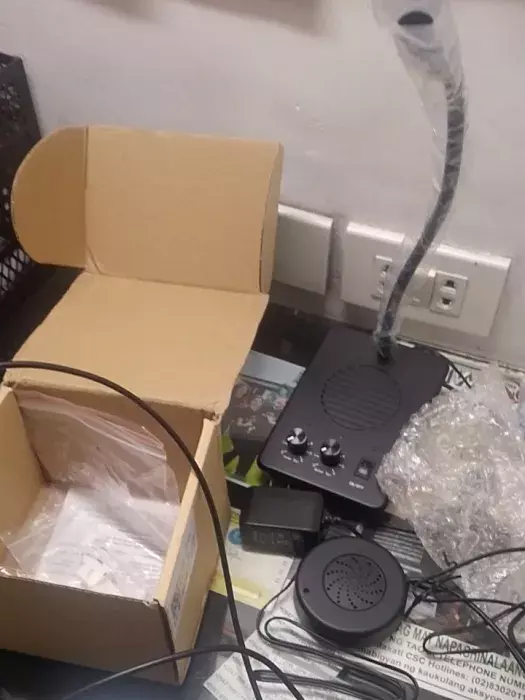
WI07: main unit, outside loudspeaker, DC12V power adapter, 5 cable locating pieces.
How does a window intercom work?
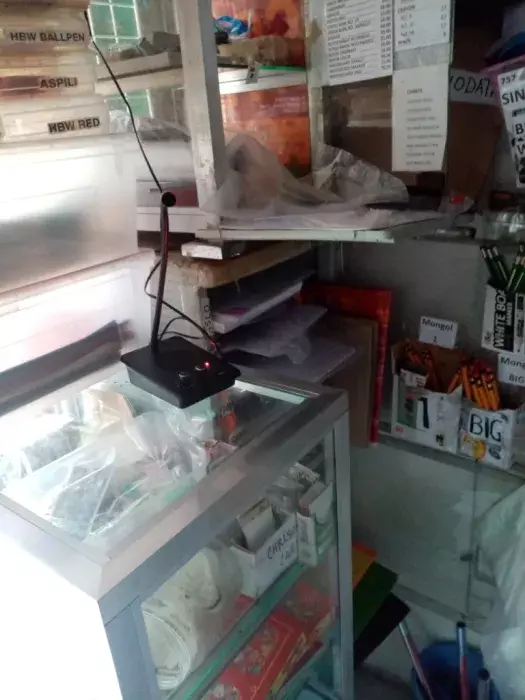
A window intercom has a gooseneck microphone and main unit on the staff side and a small speaker stuck to the outside of the glass. It switches voice automatically, so both sides talk hands-free without pressing any button.
- Inner and outer volume knobs, set separately
- Anti-howling and squelch circuits to stop squeal and echo
- Recording jack for keeping a record of conversations
- Power: DC 12V adapter, plug and play
Which Daytech window intercom model should I buy?
For most bank, pharmacy and ticket counters the WI07 (₱1,499) is the standard pick. Choose the metal-body WI09 (₱1,589) for higher sensitivity in noisy halls, or the WI12 (₱1,449) as the lowest-priced option.
- WI07: 2W + 3W output, 45dB mic sensitivity, 10Hz to 15kHz
- WI09: 55dB sensitivity, 55dB signal-to-noise ratio, metal build
- WI12: 42dB mic sensitivity, 450 g
Need to talk between rooms rather than through glass? See the Daytech CI02 / CI05 wireless office intercom.
Related: Intercom systems · Daytech products


Ships nationwide across the Philippines.
Frequently asked questions
What is a window intercom used for?
Two-way conversation through a glass window or partition, such as a bank teller counter, ticket booth, hospital cashier or pharmacy window, so both sides hear each other clearly without opening the glass.
Do I need to press a button to talk?
No. The intercom processes speech automatically in both directions, so staff and customers simply talk.
Can both sides talk at the same time?
Not fully. Daytech describes its window intercoms (WI07, WI12) as voice-switched: when both people speak at once, one voice is suppressed so the other comes through clearly. Take turns speaking for the best results.
What does anti-interference mean here?
Daytech uses anti-side-tone and squelch processing that suppresses squeal, echo and static, which keeps voices clear on both sides of the glass.
Is installation difficult?
No. Plug the power adapter and the outside speaker into the main unit, then stick the outside speaker to the glass using its adhesive backing.
Why is the intercom whistling or cutting out?
The main unit and outside speaker are likely too close or facing each other. Move them farther apart and place them back to back, as Daytech recommends.
